Modern businesses need faster communication, efficient collaboration, and quick access to information. However, employees often spend valuable time answering repetitive questions, searching for documents, and managing routine tasks. An AI chatbot for Slack can help solve these challenges by bringing intelligent assistance directly into a team’s everyday workspace.
Slack is widely used for workplace messaging, project coordination, and team collaboration. By integrating an AI-powered chatbot, businesses can automate common requests, provide instant answers, and simplify communication without requiring employees to switch between multiple applications.
Whether you manage a small business, a remote team, or a growing organization, a Slack AI chatbot can make daily operations more efficient.
What Is an AI Chatbot for Slack?
An AI chatbot for Slack is a software assistant that operates inside Slack and interacts with users through messages, commands, and conversations. Depending on its capabilities, it can answer questions, summarize discussions, retrieve information, and perform automated tasks.
Unlike traditional chatbots that rely on fixed responses, AI-powered chatbots can use natural language processing to understand user requests and generate relevant answers. Some advanced solutions also connect with company knowledge bases, customer relationship management systems, project management tools, and other business applications.
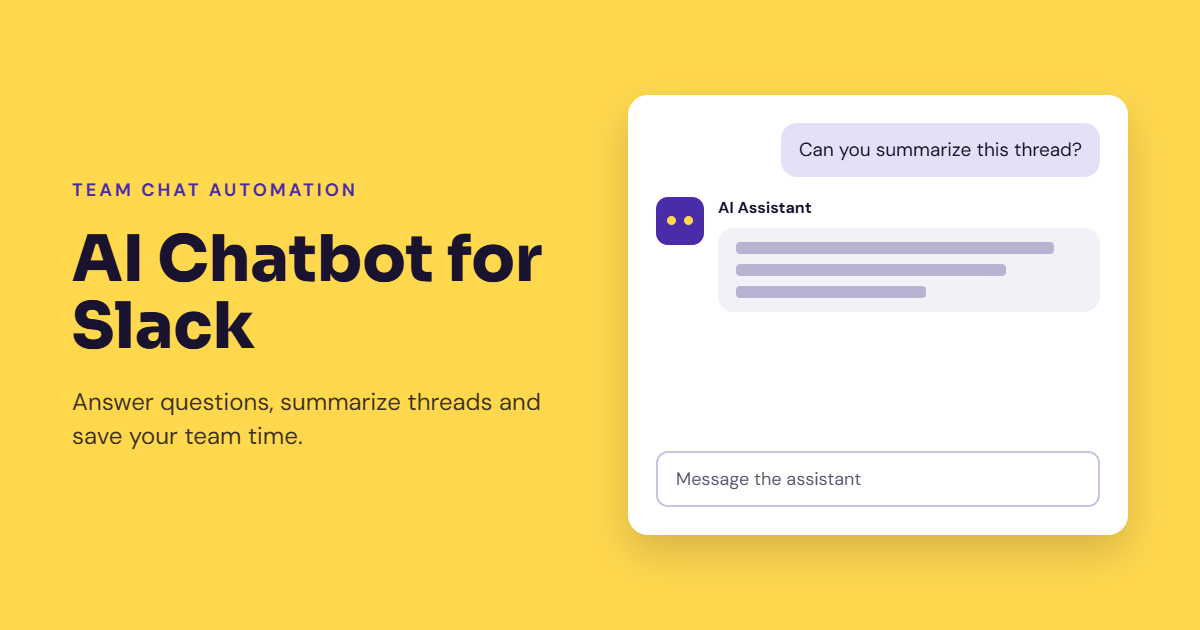
For example, an employee might ask a chatbot to summarize a lengthy discussion, explain a company policy, or identify the next steps for a project. Instead of manually searching through messages, the employee can receive assistance within Slack.
Key Benefits of Using an AI Chatbot for Slack
1. Automate Repetitive Tasks
Employees frequently handle routine activities such as answering common questions, sharing links, checking project updates, and directing requests to the right department.
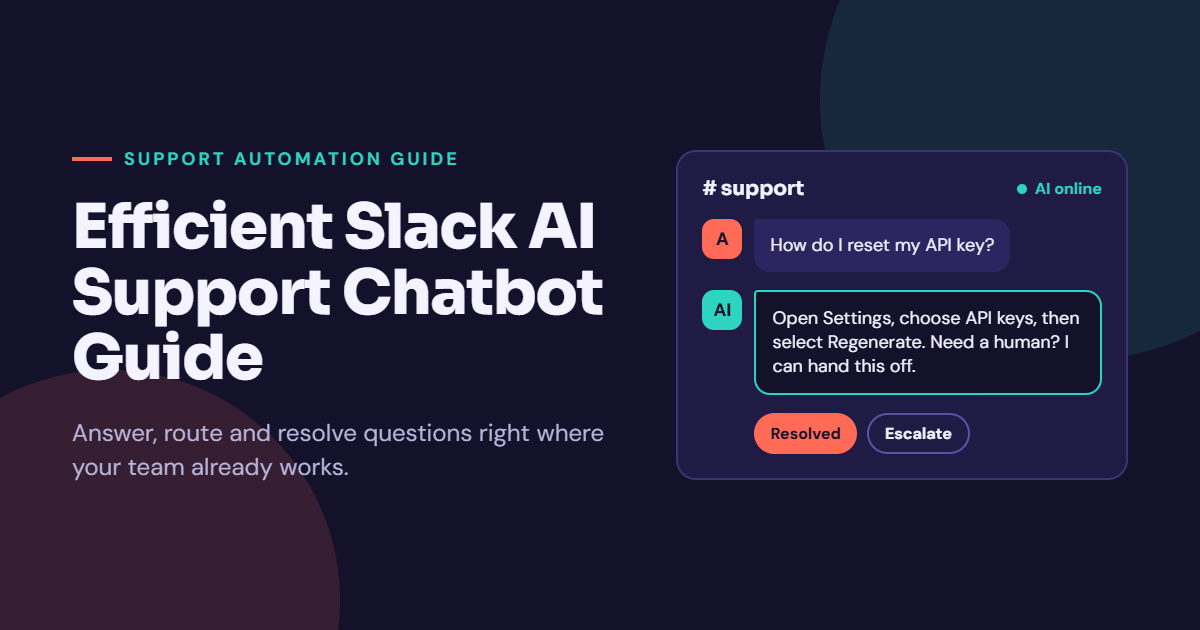
A Slack AI chatbot can automate many of these tasks. Depending on its integrations, it may help create support tickets, send reminders, retrieve information, or guide employees through standard procedures.
Automation reduces repetitive work and allows team members to focus on tasks that require creativity, judgment, and problem-solving.
2. Provide Instant Answers
Searching through multiple channels and documents can interrupt productivity. An AI chatbot can help employees find relevant information more quickly by responding to questions in natural language.
For example, team members may ask about onboarding procedures, internal policies, project documentation, or frequently requested technical instructions.
When connected to approved knowledge sources, the chatbot can retrieve useful information and direct users to the relevant documents. Its answers should be grounded in reliable company information to reduce inaccurate responses.
3. Improve Team Collaboration
Important decisions and project updates can easily get buried in busy Slack channels. An AI chatbot can help summarize conversations, identify action items, and highlight important updates.
This is particularly useful for distributed teams working across different time zones. Employees who miss a discussion can catch up more efficiently without reading every message.
Some solutions can also assist with meeting summaries, task tracking, and workflow notifications, depending on the permissions and integrations available.
4. Support Customer Service Teams
Businesses that manage customer requests through Slack can use AI chatbots to support internal service workflows.
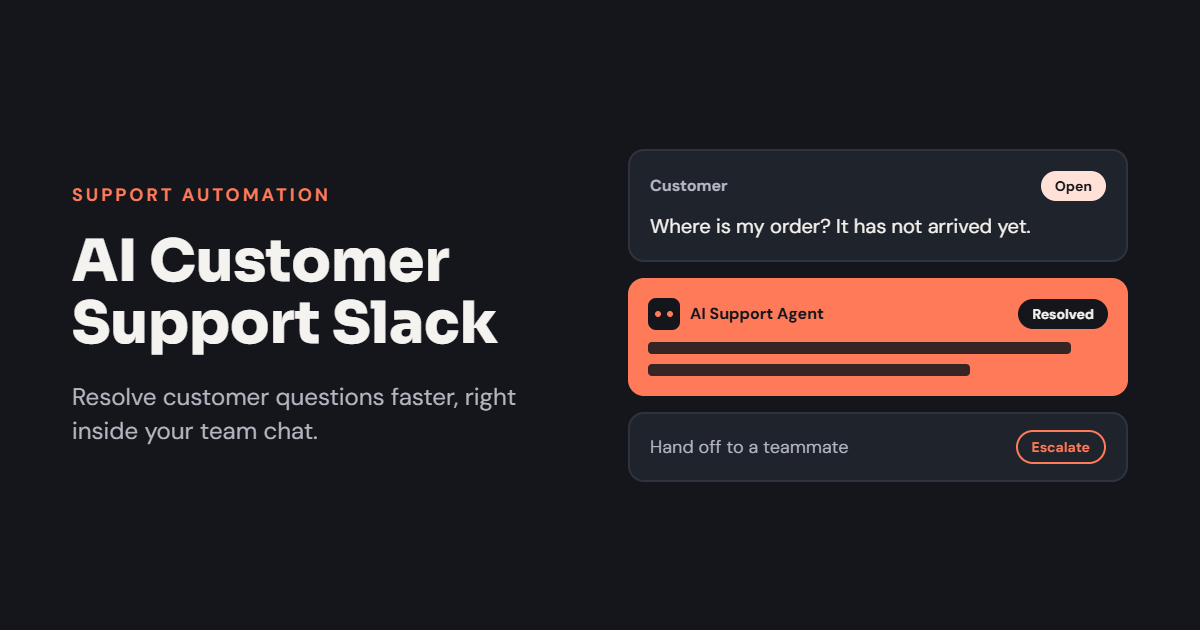
A chatbot may help agents locate troubleshooting instructions, retrieve approved responses, classify incoming requests, or summarize customer issues before escalation.
For customer-facing support, the system can also assist with frequently asked questions when connected to an appropriate support platform. Sensitive or complicated cases should remain available for human review.
Essential Features of a Slack AI Chatbot
Choosing the right chatbot requires more than checking whether it can answer messages. The most useful features depend on your team’s daily needs.
Natural Language Understanding
The chatbot should understand ordinary questions rather than requiring users to memorize complicated commands. This makes the tool easier to adopt across departments.
Workflow Automation
Look for features that automate practical tasks, such as sending reminders, creating tickets, collecting information, and notifying the appropriate team members.
Knowledge Base Integration
Connecting the chatbot to approved documents, FAQs, and internal resources can make its answers more relevant to your organization.
Conversation Summarization
Summaries of long discussions help employees identify decisions, deadlines, responsibilities, and unresolved questions.
Security and Access Controls
Business information must remain protected. Choose a solution with suitable permissions, access controls, data-handling policies, and administrative settings. The chatbot should not expose information that a user is not authorized to access.
How to Set Up an AI Chatbot for Slack
Implementing a Slack chatbot becomes easier when the process starts with a clear business objective.
Step 1: Identify Your Main Goal
Decide what you want the chatbot to accomplish. Common goals include reducing repetitive questions, improving internal support, summarizing conversations, or automating routine workflows.
Start with one specific problem instead of trying to automate every process at once.
Step 2: Choose the Right Solution
Evaluate available Slack chatbot applications based on their features, integration options, pricing, security, and ease of use.
Some tools provide ready-made functionality, while others allow businesses to build custom AI assistants. The best choice depends on your technical resources and requirements.
Step 3: Connect Relevant Data Sources
If your chatbot needs to answer company-specific questions, connect it to suitable knowledge sources and business applications. Only provide the access required for its intended tasks.
Test whether the chatbot retrieves accurate information and handles questions it cannot answer appropriately.
Step 4: Configure Permissions and Workflows
Set up the necessary Slack permissions, commands, notifications, and automated actions. Require human approval for sensitive operations, such as making significant account changes or taking actions that affect customers.
Step 5: Test and Improve Performance
Run a pilot with a small group of employees. Measure response accuracy, task completion, time saved, and user satisfaction.
Use employee feedback to improve instructions, knowledge sources, and workflow settings before expanding access across the organization.
Best Practices for Using AI Chatbots in Slack
To get consistent results, give your chatbot a clearly defined purpose and provide accurate reference material. Employees should understand what the assistant can do and when they need to verify its responses.
Review its performance regularly, particularly when it handles internal policies, technical instructions, or customer-related information. Keep permissions up to date and establish a process for reporting incorrect answers.
It is also important to set realistic expectations. AI chatbots can make mistakes, misunderstand requests, or produce outdated information. Human oversight remains essential for decisions that require expertise, accountability, or sensitive judgment.
Conclusion
An AI chatbot for Slack can help businesses reduce repetitive work, improve information access, streamline communication, and automate everyday workflows. From answering internal questions to summarizing discussions and assisting support teams, the right solution can make Slack more useful as a central collaboration platform.
The most effective approach is to begin with a clearly defined problem, choose a chatbot that fits your team’s needs, and measure its impact before expanding its role. With reliable information, appropriate security controls, and regular evaluation, a Slack AI chatbot can become a practical tool for improving team productivity and supporting business growth.
2 thoughts on “AI Chatbot for Slack: How to Automate Conversations and Improve Team Productivity”